2020年8月19日星期三

Autel IM608 read BMW MSD80 ISN and Edit CAS to accept the Used DME


Purpose:

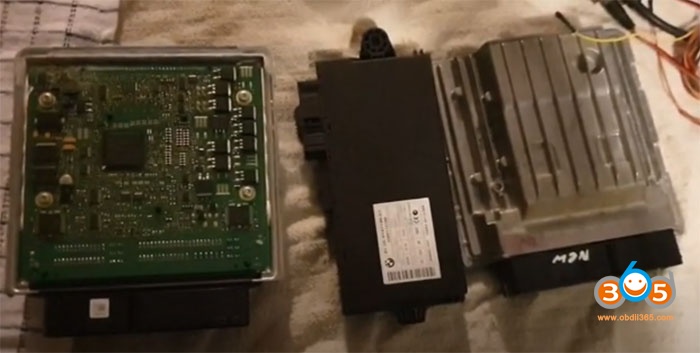
BMW used engine replacement – Reading the ISN from a BMW Siemens MSD80 ECU then writing the info into the CAS module.
On some you can change the ISN in the ECU but these just change it in the CAS and once running update VIN in ECU diagnostically.


Device used:

Autel MaxiIM IM608

XP400 programmer

G-BOX

APB106 cable


Main steps:

Step 1: Read ISN code from MSD80

Step 2: editing the CAS to accept the used DME after replacement


Procedure:


Step 1: Read MSD80 ISN code 
Autel Im608 Bmw Used Ecu Msd80 Replacement 0

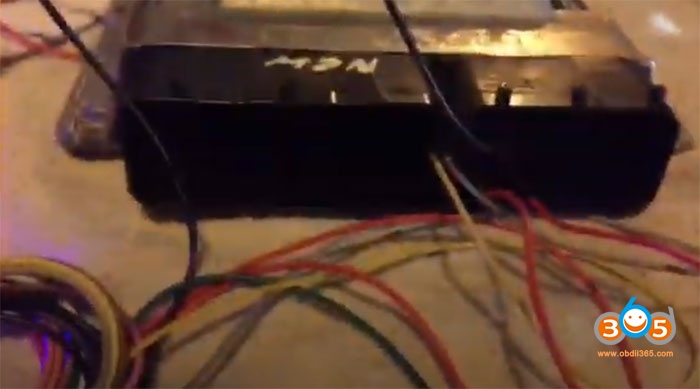
Remove MSD80 DME from vehicle

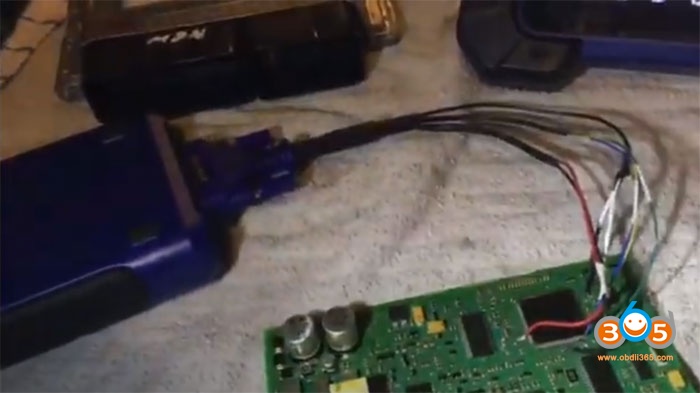
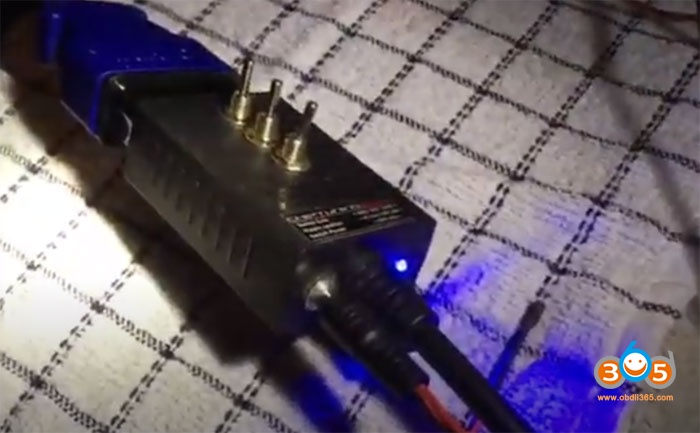
Follow IM608 wiring diagram to connect DME (check detail connection later)
Autel Im608 Bmw Used Ecu Msd80 Replacement 4

Autel Im608 Bmw Used Ecu Msd80 Replacement 5

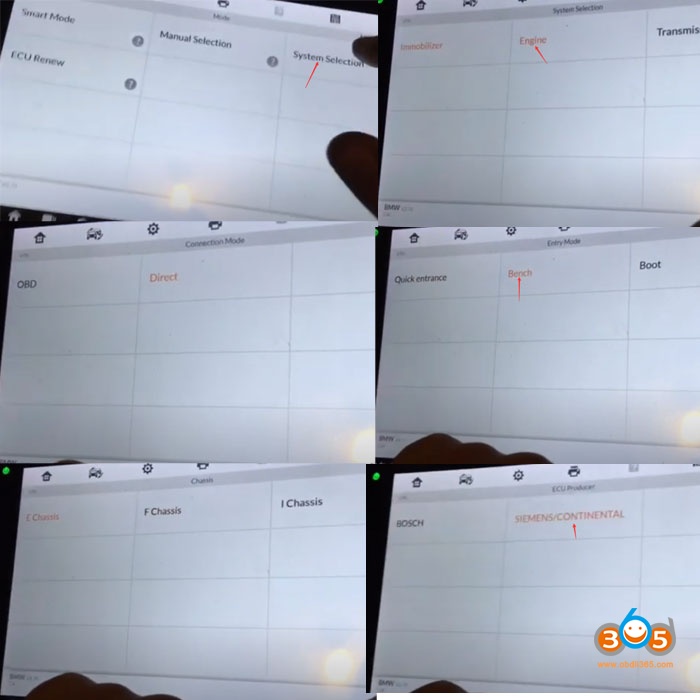
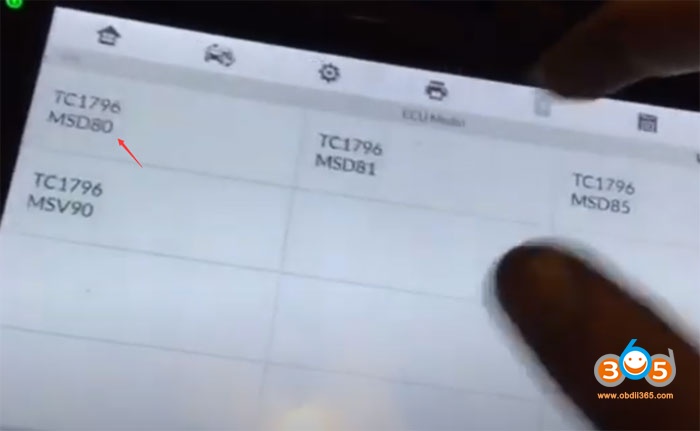
In Autel IM608, select BMW->System Selection-> Engine->Direct->Bench->E Chassis->SIEMENS/Continental->TC1796 MSD80
Autel Im608 Bmw Used Ecu Msd80 Replacement 1

Autel Im608 Bmw Used Ecu Msd80 Replacement 2

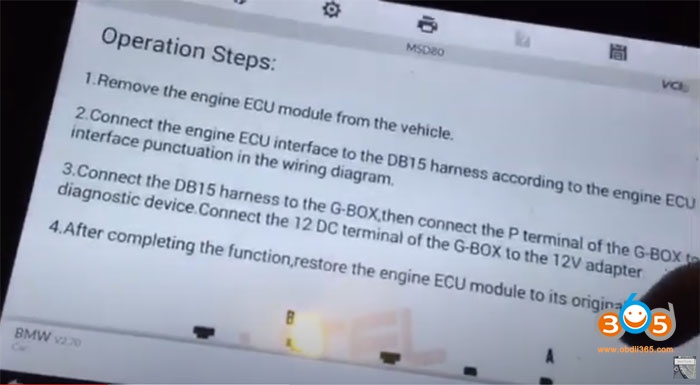
Operation steps:
Remove the engine ECU module from the vehicle
Connect the engine ECU interface to the DB15 hardness according to the engine ECU interface punctuation in the wiring diagram
Connect the DB15 hardness to the G-BOX, then connect the P terminal of the G-BOX to the diagnostic device.
Connect the 12V DC terminal of the G-Box to the 12V adapter
After completing the function, restore the engine ECU module to its original state.

Autel Im608 Bmw Used Ecu Msd80 Replacement 3
Read ISN

Autel Im608 Bmw Used Ecu Msd80 Replacement 6
Enable network connection

Autel Im608 Bmw Used Ecu Msd80 Replacement 7
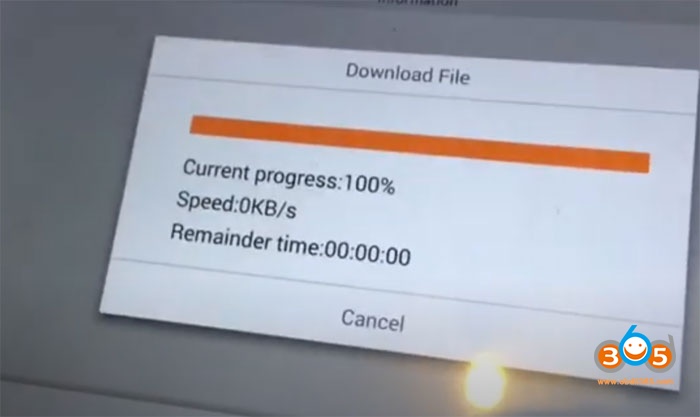
Connecting to internet to obtain data
Autel Im608 Bmw Used Ecu Msd80 Replacement 8
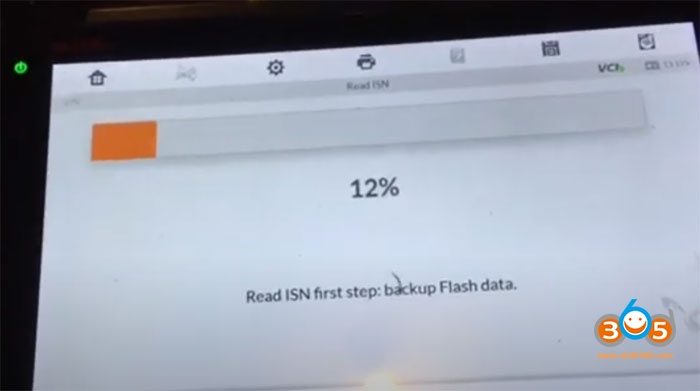
Backup data before read ISN

Autel Im608 Bmw Used Ecu Msd80 Replacement 9
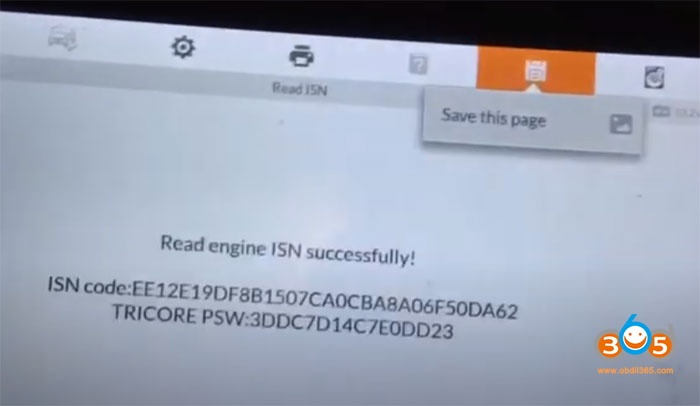
Read engine ISN successfully. Save this page.
 

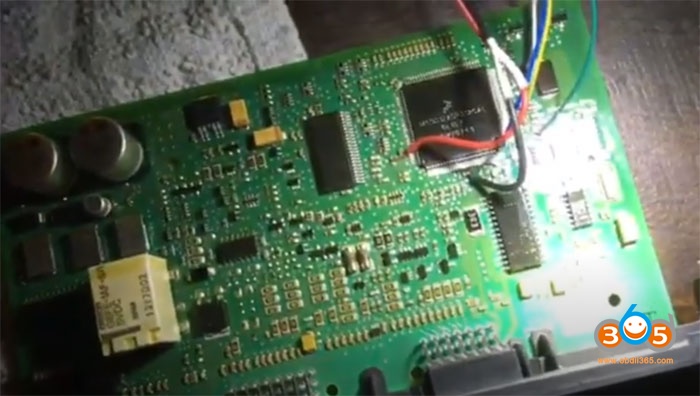
Step 2: Edit CAS to accept the new engine
Autel Im608 Bmw Used Ecu Msd80 Replacement 11

Autel Im608 Bmw Used Ecu Msd80 Replacement 12

Connect CAS3 module with Autel XP400 programmer

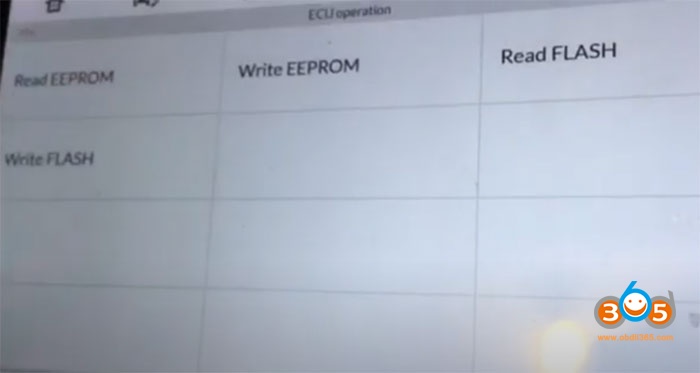
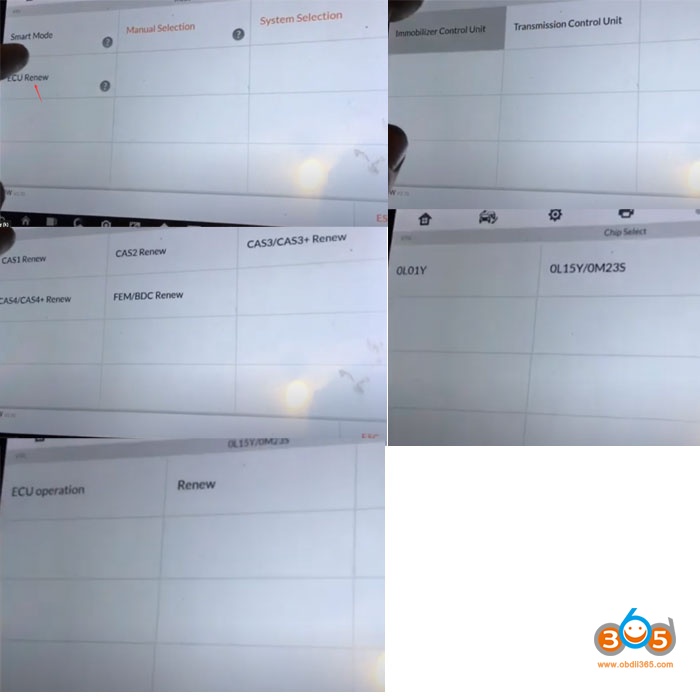
Go back to BMW function interface, select ECU Renew->Immobilizer Control Unit->CAS3/CAS3+ Renew->1L15Y/0M23S->ECU operation
Autel Im608 Bmw Used Ecu Msd80 Replacement 13

Read EEPROM

Autel Im608 Bmw Used Ecu Msd80 Replacement 14
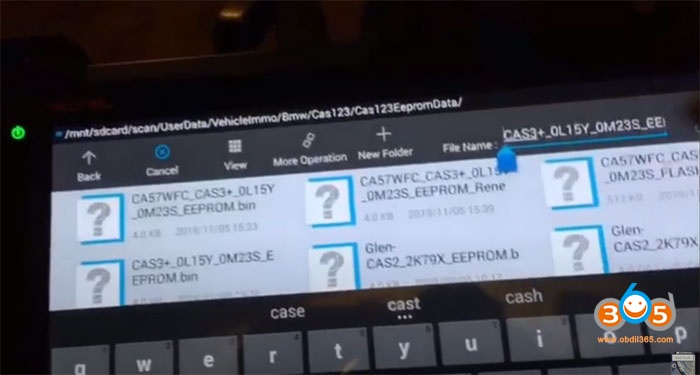
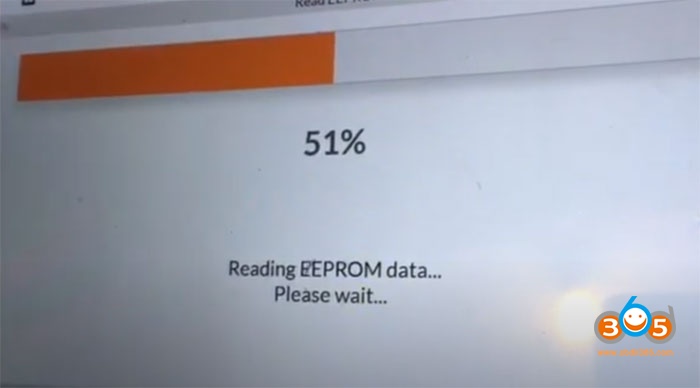
Read eeprom successfully. Save eeprom
Autel Im608 Bmw Used Ecu Msd80 Replacement 15

Autel Im608 Bmw Used Ecu Msd80 Replacement 16
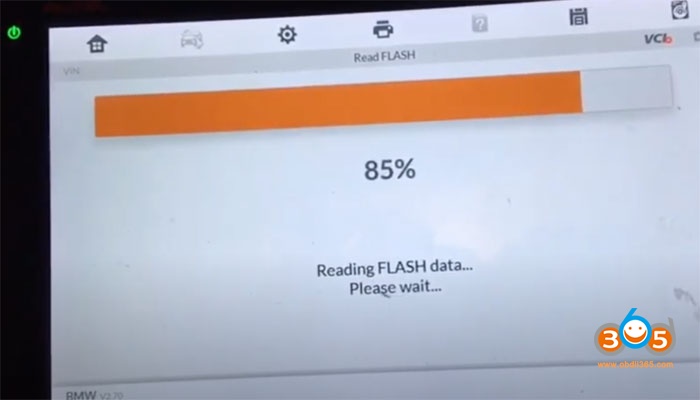
Read Flash

Autel Im608 Bmw Used Ecu Msd80 Replacement 17

Reading FLASH data completed.
Select Renew Function
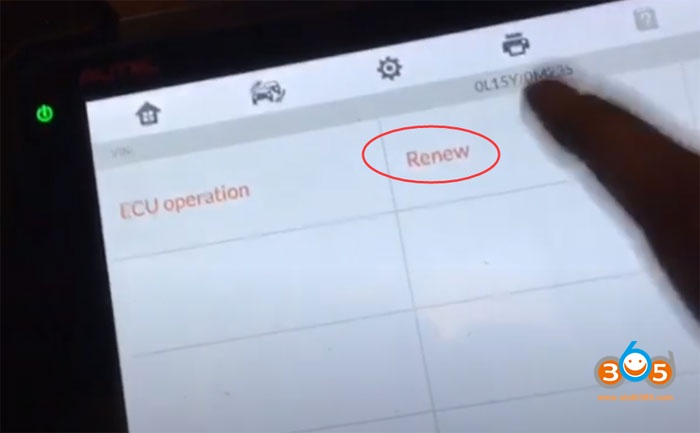
Autel Im608 Bmw Used Ecu Msd80 Replacement 18

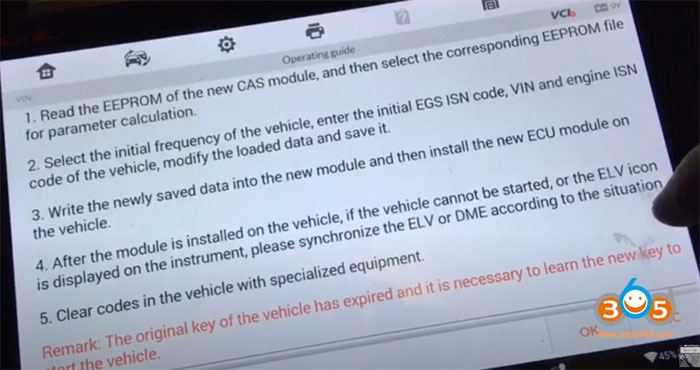
Follow steps below to renew ECU

Autel Im608 Bmw Used Ecu Msd80 Replacement 19

1. Read the EEPROM of the new CAS module, and then select the corresponding EEPROM file for parameter calculation
2.Select the initial frequency of the vehicle, enter the initial EGS ISN code, VIN and engine code of the vehicle, modify the loaded data
3.Write the newly saved data into the new CAS module and then install the new ECU module to the vehicle
4. After the module is installed on the vehicle, if the vehicle cannot be started, or the ELV icon is displayed on the instrument, please synchronize the ELV or DME according to the  situation
5.Clear codes in the vehicle with specialized equipment
Note: The original key of the vehicle has expired and it is necessary to learn the new key to start the vehicle.

Press OK to load EEPROM data saved above
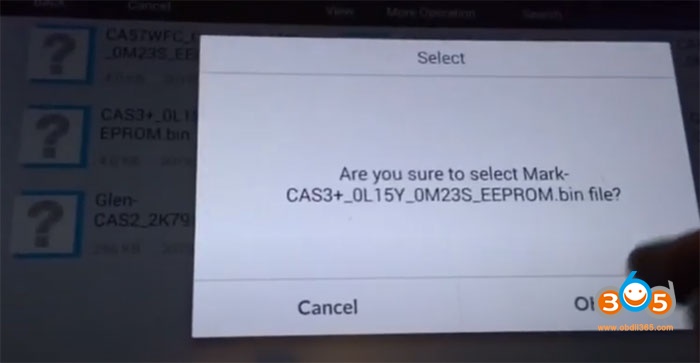
Autel Im608 Bmw Used Ecu Msd80 Replacement 20

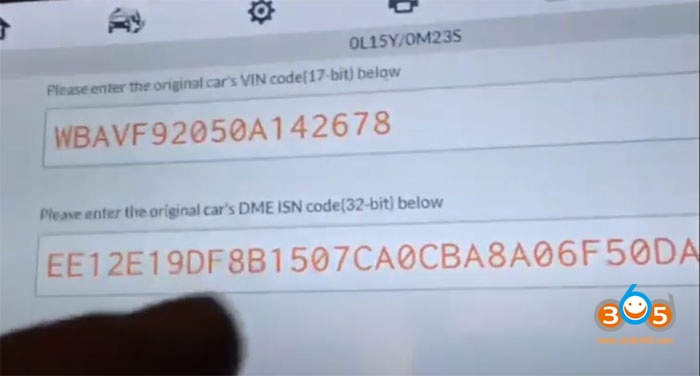
IM608 requires to enter following information

Select vehicle frequency of the original car
Enter the original car’s EGS ISN coding (8-bit)
Enter the original car’s VIN code (17-bit)
Enter the original cars’s DME ISN code (32-bit)

and submit
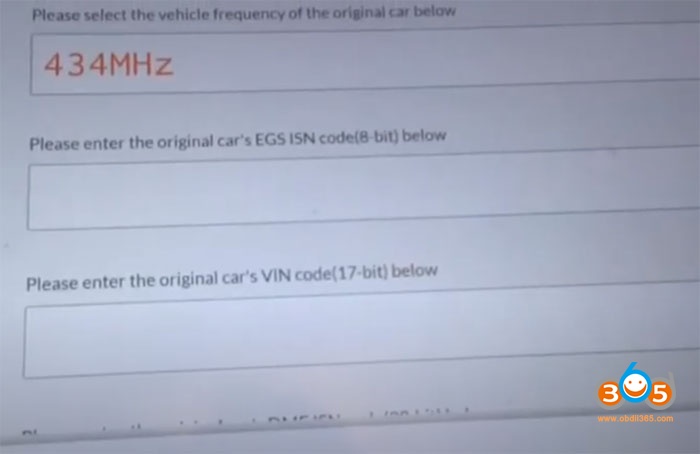
Autel Im608 Bmw Used Ecu Msd80 Replacement 21

Autel Im608 Bmw Used Ecu Msd80 Replacement 22

Then save the new renew CAS data to bin format.
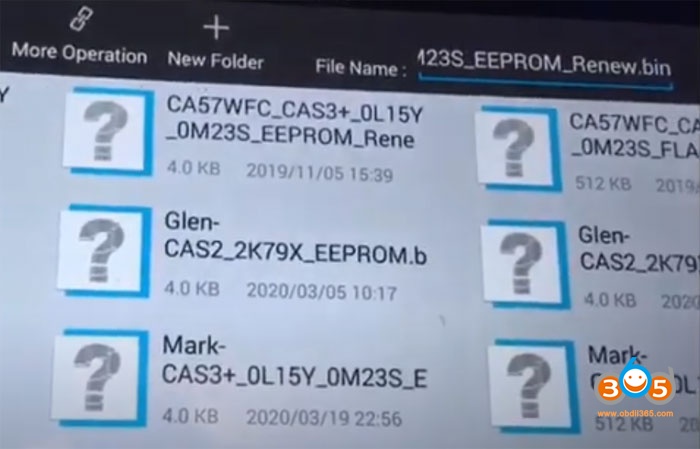
Autel Im608 Bmw Used Ecu Msd80 Replacement 27

Write the newly saved EEPROM file back to CAS
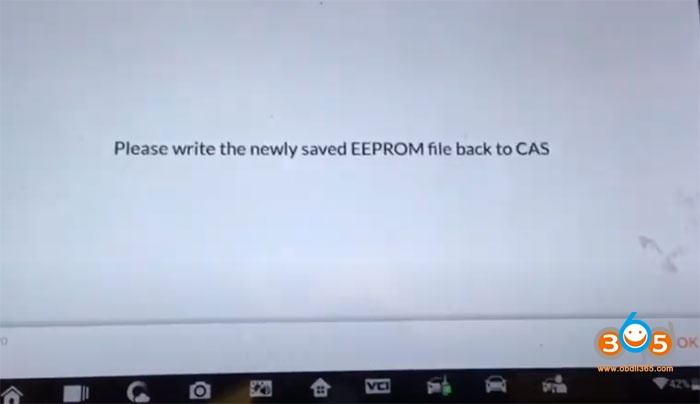
Autel Im608 Bmw Used Ecu Msd80 Replacement 23

Select the newly saved EEPROM file and write data
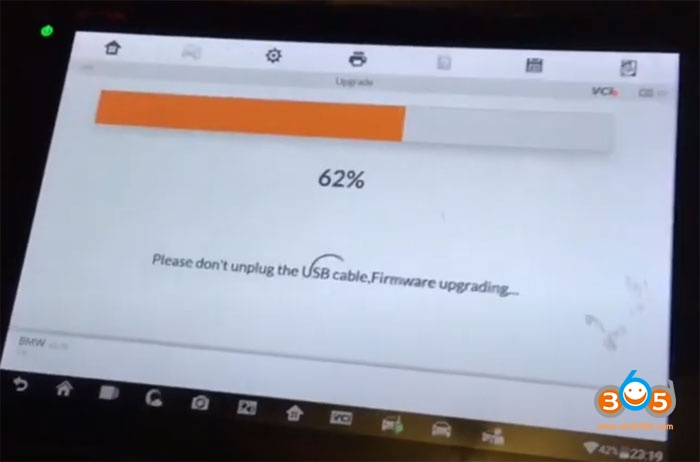
Autel Im608 Bmw Used Ecu Msd80 Replacement 25

Autel Im608 Bmw Used Ecu Msd80 Replacement 26

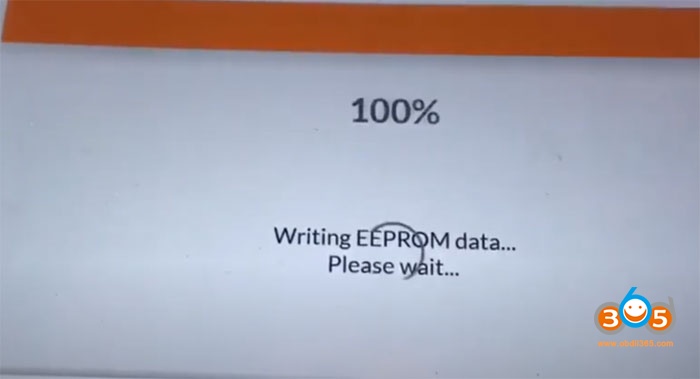
Wait until write eeprom data completed.

Clear codes in the vehicle.

Reinstall CAS and ECU into original state.

Done.

2020年7月30日星期四

2011 BMW M3 CAS3+ key add via Autel MaxiIM IM508


Adding a 2011 BMW M3 CAS3+ key via Autel MaxiIM508 W/XP400. had to updated the cas3 module first then do procedure to add a new blank OEM Key. Key has OEM internals with aftermarket case.

Question: Have Autel MaxiIM608 (=Autel MaxiIM508 + XP400) and doing a CAS3 on the bench today to add key, I checked on the vehicle see if its ISTAP or not, Can we add key to ISTAP version on the bench? Or must be it be downgraded in the car first?

Answer: Add key with DME ISN.

Question:  So read isn on bench or in car? What if the CAS has been downgraded? Can a key be added and written to it on the bench?

Answer: I don't do anything in car myself, always on bench with power supply.
What DME does it have?
If CAS is downgraded (or "upgraded" as autel screen says), it should no longer by key encrypted and you can add a key on bench
I just find it easier and faster to read the DME ISN and add a key

Done the same procedure as below: 2011 BMW M3 CAS3+ key add via Autel MaxiIM508 + XP400:
2011 BMW M3 CAS3+ key add via Autel MaxiIM508 + XP400 1
IMG: Autel MaxiIM508 connected to the OBD2 port of 2011 BMW M3
 Autel MaxiIM508 XP400 add keys for 2011 BMW M3 CAS3+ 2

IMG: Autel XP400 connected to Autel MaxiIM508.


Establishing vehicle communication.
 Autel MaxiIM508 XP400 add keys for 2011 BMW M3 CAS3+ 3

Updating the second part...Not touch any button of vehicle, please wait...
 Autel MaxiIM508 XP400 add keys for 2011 BMW M3 CAS3+ 4

Establishing vehicle communication.

Connecting to internet to obtain data...
 Autel MaxiIM508 XP400 add keys for 2011 BMW M3 CAS3+ 5

ECU upgrade sucessfully!
 Autel MaxiIM508 XP400 add keys for 2011 BMW M3 CAS3+ 6

Smart mode:
CAS part number...
CAS type: CAS3++ (ISTAP)
Current CAS of the vehicle is encrypted, please insert a working key and switch ignition on first.
Autel MaxiIM508 XP400 add keys for 2011 BMW M3 CAS3+ 7

Connecting to internet to obtain data...
 Autel MaxiIM508 XP400 add keys for 2011 BMW M3 CAS3+ 8

Reading RAM, will take about 1 minute...
 Autel MaxiIM508 XP400 add keys for 2011 BMW M3 CAS3+ 9

Remove the key from the ignition switch. If it is a smart key, please take the key out of the car.
Please be sure to operate as required, otherwise this may make the vehicle abnormal. If the vehicle is abnormal after reading out the key information, please try performing [Clear DTC] to make it back into the normal status.
 Autel MaxiIM508 XP400 add keys for 2011 BMW M3 CAS3+ 10

Tap "OK" and connecting to the internet to obtain data...
Reading key information...
Read key information success!
Tap "Yes" to backup the original key data.
 Autel MaxiIM508 XP400 add keys for 2011 BMW M3 CAS3+ 11

File saved successfully.
 Autel MaxiIM508 XP400 add keys for 2011 BMW M3 CAS3+ 11

Choose "Key3", then "Programmer generate key".
 Autel MaxiIM508 XP400 add keys for 2011 BMW M3 CAS3+ 13

Tap "Semi-smart key".
 Autel MaxiIM508 XP400 add keys for 2011 BMW M3 CAS3+ 214

Please connect the device to the programmer (XP400) and put the new key into the programmer card slot.
Autel MaxiIM508 XP400 add keys for 2011 BMW M3 CAS3+ 15

Autel MaxiIM508 XP400 add keys for 2011 BMW M3 CAS3+ 16
Writing key, please wait...

Generating dealer key success. Please insert the key into the ignition switch to start the car once.
If the vehicle cannot be started, or the ELV is displayed on the instrument, please synchronize the ELV or DME according to the situation.
 Autel MaxiIM508 XP400 add keys for 2011 BMW M3 CAS3+ 17

Done!

Autel IM508 + XP400 is good obd2 programmer.


Autel software update in JUL.2020 more VEHICLE COVERAGE🚀🚀🚀

Autel Update in JUL.2020

New Software Update applicable to MaxiSYS ULTRA, MS919, MS909, MSELITE, MS908PRO, MS908, MS905, MS906, MS906BT,MS906TS, MX808, DS808, DS808BT, DS808TS, MX808TS, TS608, AP200


NEW VEHICLE COVERAGE
• Supports Volkswagen Group models up to MY2020, including Volkswagen, Audi, and Skoda series
• Supports all models of Peugeot, Citroen, and DS up to MY2019 (Except for MaxiSys ULTRA, MS919, MS909, MX808, MX808TS, TS608, AP200)
   BASIC & SPECIAL FUNCTIONS, MODULE REPLACEMENT AND CODING FUNCTIONS
• MY2019-2020 Ford models including Continental, Edge, Escape, Kuga, Everest, Expedition, F-150, F-Series Super Duty, Ford GT, Fusion, MKZ, Navigator, Ranger, and Transit
• MY2019-2020 Mazda models including Mazda2, Mazda3, Mazda6, B-Series, CX-3, CX-5, and CX-8
autel update